Source & Procure Stock Directly from the Volvo Trucks Network.
Volvo Online is the most convenient way to buy and sell used trucks in the South African market. This new platform gives you the freedom to explore and the confidence to purchase.
1.
FIND YOUR TRUCK
2.
PLACE YOUR BID
3.
STOCK YOUR FLOOR
Control Your Experience
Volvo Trucks Online is your one stop shop.
Browse, Bid & Buy
With Confidence
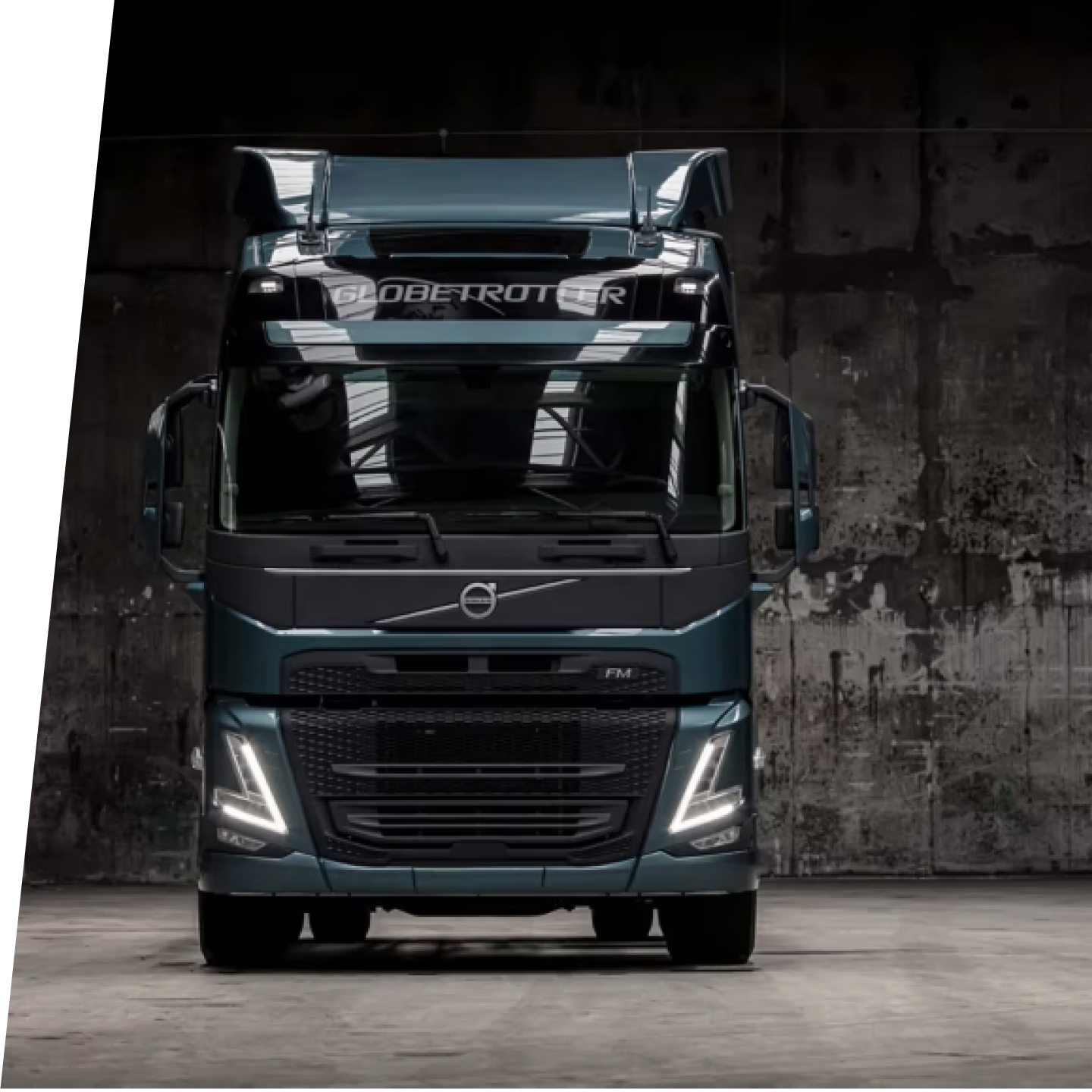
Browse from a selection of prime used trucks directly from the Volvo network. With access to hundreds of vehicles each month, there’s trucks for every stock profile and need.
All of these trucks have undergone a thorough inspection by professional valuators before making their way onto auction.
Simply register your profile and get bidding.
How to Register
Register in a few simple steps
Start your registration in few steps to access the auction and start bidding.
Click Buyer Registration
Click Buyer registration in the top navigation to begin your registration process.
Follow the 5 easy steps
Online registration requires you to follow five simple steps to set up your profile.
Email Required Documents
We will send you an email with the required documents. Your information will be verified.
Start Bidding
Once your account is activated, you will receive your login details and can start bidding.
Placing a Bid
How to place your bid on Volvo Trucks
It's never been easier to place a bid. Place a manual bid or use the auto bid feature to place your bid.
The highest bid secures the truck.
Manual vs. Auto Bid
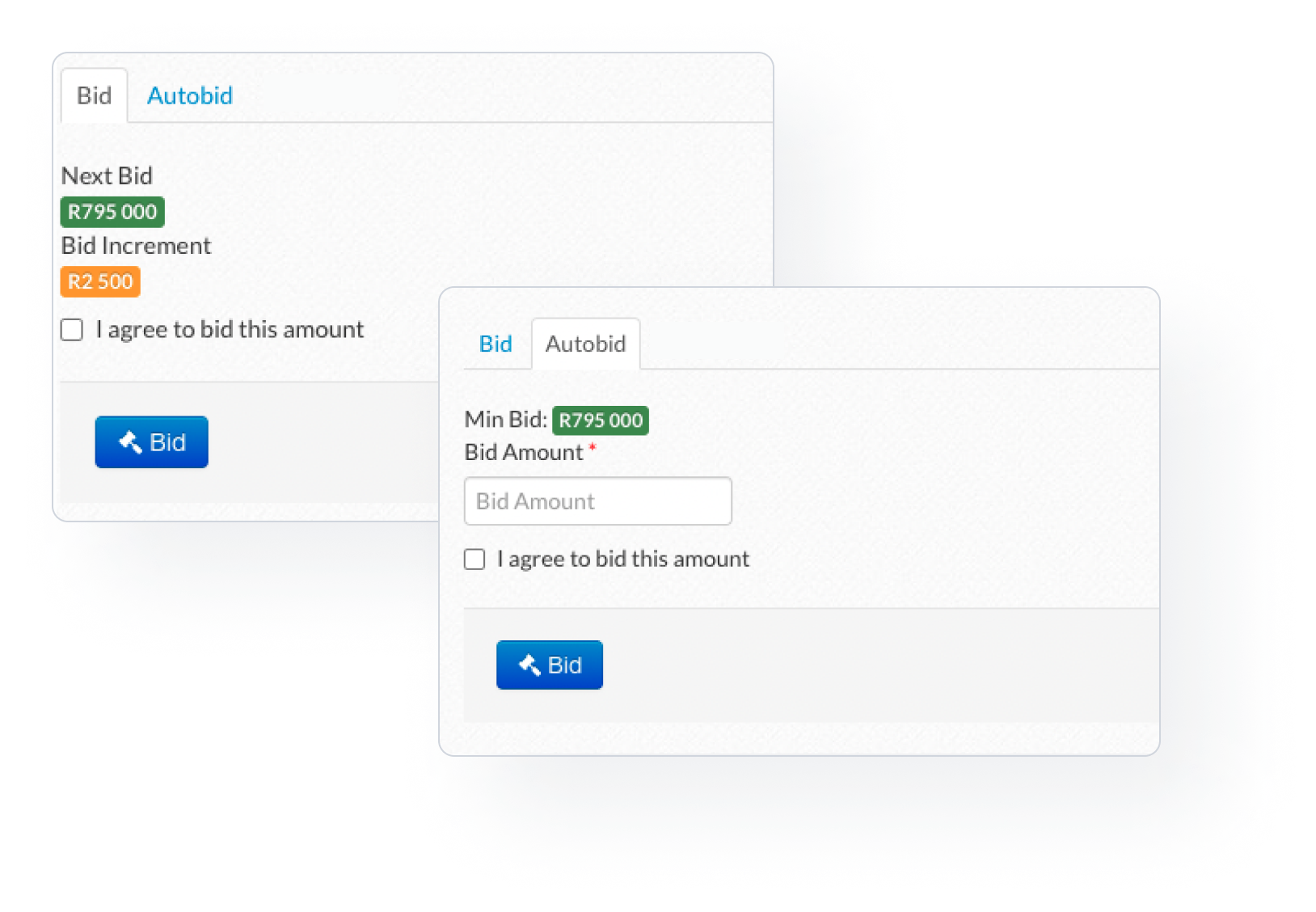
To place a manual bid, you will need to click on the bid button. The bid amount and increment is displayed.
Using the auto bid is similar to placing a manual bid. The big difference is that with auto bid you specify the maximum amount you want to spend, and automatic bidding continues to place bids on your behalf if someone outbids you.
Keeping Track of your Bids
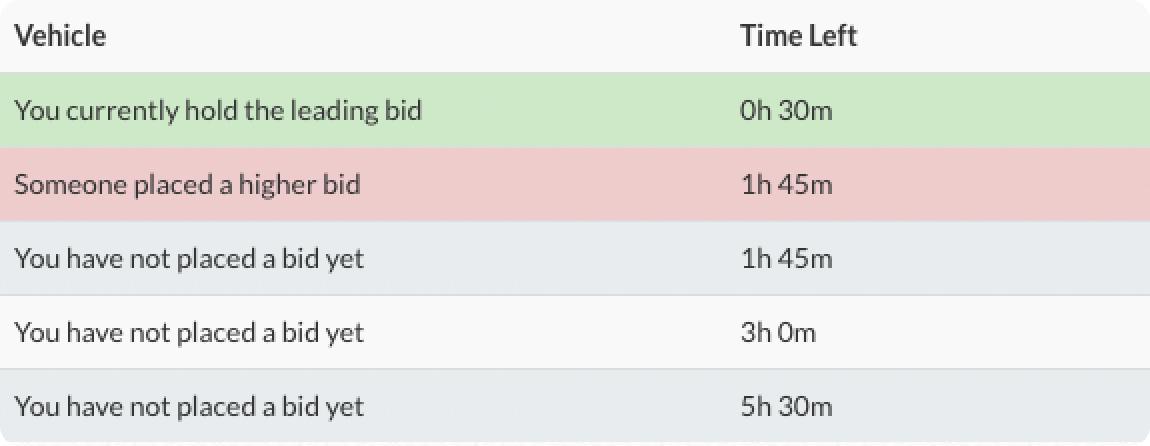
Once your bid is placed, you will receive a notification. As long as you hold the leading bid, the vehicle will show green on your list. If you are outbid, the vehicle will be displayed in red. This way you always stay up to date.
Basket
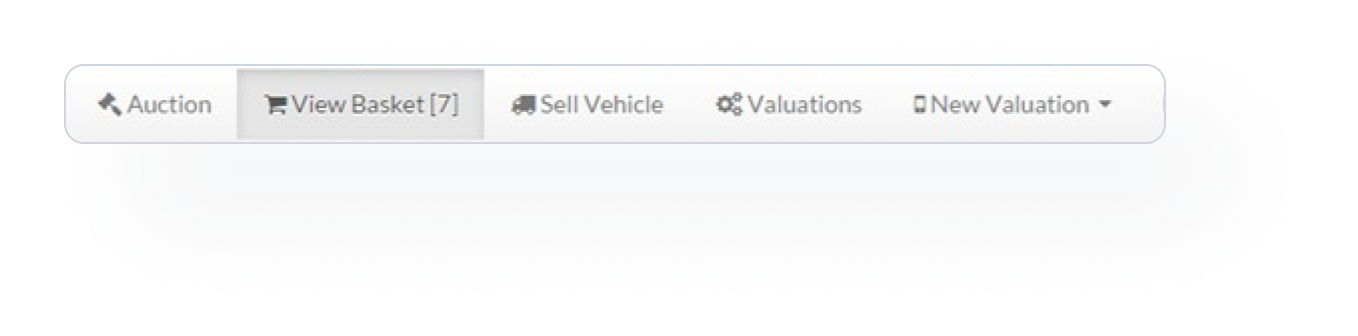
Do you want to keep track of your vehicles? The system makes it very easy for you by allowing you to add them to your basket cart. You can view your shopping cart at any time!
Recent Additions